
 Contact
 Hoe winkelen bij ons werkt
Bezorging
Winkelgids
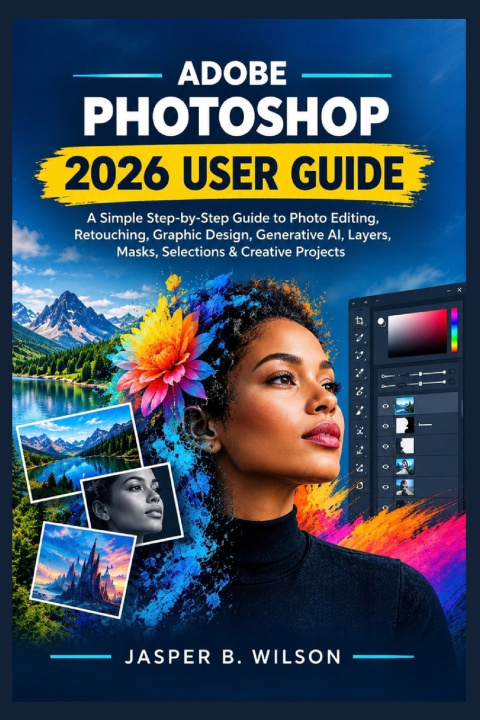
ADOBE PHOTOSHOP 2026 USER GUIDE
A Simple Step-by-Step Guide to Photo Editing, Retouching, Graphic Design, Generative AI, Layers, Masks, Selections & Creative Projects
 Engels
 48 b
48 b
 Nieuw
Nieuw
Tot 30 dagen retourrecht

A photograph can capture a moment. A design can communicate an idea. But Photoshop gives you the freedom to decide what happens next. Adobe Photoshop 2026 User Guide takes you inside the creative process, showing you how to work with Photoshop's essential tools and modern capabilities to turn ordinary starting points into polished visual results.
From improving photographs and removing distractions to building layered compositions and experimenting with Generative AI, you'll learn how different Photoshop features work together to give you greater control over your creative projects.
Inside the book, you'll explore:
• The Photoshop workspace and essential creative tools
• Layers and how they form the foundation of flexible designs
• Selections for isolating people, objects, and specific areas
• Masks for controlling exactly where adjustments appear
• Retouching methods for improving photographs and visual details
• Generative AI features for expanding and transforming creative possibilities
• Techniques for removing unwanted objects and distractions
• Image compositing and combining multiple visual elements
• Graphic design fundamentals using Photoshop's creative tools
• Practical workflows for moving from an initial idea to a finished result
• Ways to prepare and export completed projects for different purposes
BUILT FOR LEARNING BY DOING.
You don't need years of design experience to begin. The goal of this book is to help you understand Photoshop through practical concepts that you can apply to your own photographs, designs, and creative experiments.
Whether you're discovering Photoshop for the first time, returning to the software after a long break, or looking for a practical introduction to its 2026 capabilities, this guide gives you a straightforward place to start.
Your creativity is the starting point. Photoshop is the workspace.
Open the tools. Learn the fundamentals. Experiment with the possibilities. Turn your ideas into finished work.


Informatie over het boek
Engels
Categorieën

Geef dit boek vandaag nog cadeau
Dat gaat heel eenvoudig
1 Voeg het boek toe aan je winkelwagentje en selecteer Als cadeau bezorgen 2 Je krijgt van ons per omgaand een voucher 3 Het boek wordt bezorgd op het adres van de ontvangerHoi! Ik ben Libroamiko, je boekadviseur.
Hoe kan ik je helpen?