
 Contact
 Hoe winkelen bij ons werkt
Bezorging
Winkelgids
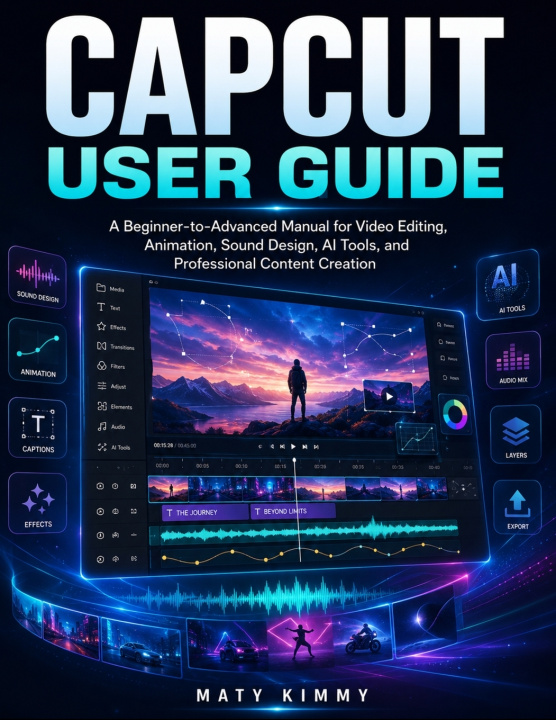
CapCut User Guide
A Beginner-to-Advanced Manual for Video Editing, Animation, Sound Design, AI Tools, and Professional Content Creation
 Engels
 50 b
50 b
 Wordt verwacht
 Nieuw
Nieuw
Tot 30 dagen retourrecht

Master CapCut and Create Professional Videos with Confidence
Do you want to create polished, engaging videos without struggling with complicated editing software?
CapCut User Guide is a practical, step-by-step manual designed to help beginners, content creators, business owners, students, marketers, and aspiring video editors use CapCut confidently. Whether you are creating TikTok videos, Instagram Reels, YouTube Shorts, tutorials, advertisements, product demonstrations, educational content, or personal projects, this guide gives you the skills needed to turn ordinary footage into professional-quality videos.
CapCut offers powerful tools for video editing, animation, sound design, captions, artificial intelligence, background removal, visual effects, and social-media publishing. However, the number of features can feel overwhelming without a clear learning path. This book simplifies the process by explaining the essential tools in a logical beginner-to-advanced sequence.
Instead of merely describing buttons and menus, the guide focuses on practical editing workflows that you can apply immediately.
Inside this CapCut video editing guide, you will learn how to:
• Install CapCut and configure important settings
• Understand the editing workspace, timeline, tracks, and layers
• Import and organize videos, photographs, music, and graphics
• Trim, split, crop, rotate, move, and arrange video clips
• Create clean, engaging, and well-paced video sequences
• Add professional titles, text, automatic captions, and subtitles
• Record voice-overs and improve spoken audio
• Add music, sound effects, fades, and balanced audio levels
• Reduce background noise and improve speech clarity
• Apply transitions, video effects, filters, and color corrections
• Create animation with keyframes and custom movement
• Design smooth slow motion and professional speed ramps
• Use masks, overlays, split screens, and layered compositions
• Remove backgrounds and work with green-screen chroma key
• Generate AI captions, text-to-speech, and AI voice-overs
• Use CapCut's AI-powered background and editing tools responsibly
• Choose the correct resolution, frame rate, quality, and export format
• Export videos for TikTok, YouTube, Instagram, and other platforms
• Troubleshoot common editing, audio, storage, and export problems
• Build a faster, more organized, and reliable editing workflow
This guide explains CapCut Mobile, Desktop, and Web while helping readers understand that tools and menu locations may differ between devices and software versions. The lessons emphasize transferable editing skills, allowing you to adapt even when the CapCut interface changes.
You will also discover how to avoid common mistakes, including overcrowded timelines, unreadable text, inaccurate captions, excessive effects, poor audio balance, incorrect aspect ratios, low-quality exports, and disorganized project files.
The instructions are written in clear language and supported by practical advice based on real editing experience. You do not need previous knowledge of video production, animation, or sound editing. Begin with the fundamentals and gradually progress toward advanced creative techniques.
Whether your goal is to grow a social-media channel, promote a small business, produce educational videos, create content for clients, or develop valuable editing skills, this book provides a structured path from your first project to your final export.
Stop relying on random tutorials and start building a complete editing workflow.
CapCut User Guide will help you edit faster, improve video quality, create engaging content, and publish your work with greater confidence.


Informatie over het boek
Engels

Geef dit boek vandaag nog cadeau
Dat gaat heel eenvoudig
1 Voeg het boek toe aan je winkelwagentje en selecteer Als cadeau bezorgen 2 Je krijgt van ons per omgaand een voucher 3 Het boek wordt bezorgd op het adres van de ontvangerHoi! Ik ben Libroamiko, je boekadviseur.
Hoe kan ik je helpen?