
 Contact
 Hoe winkelen bij ons werkt
Bezorging
Winkelgids
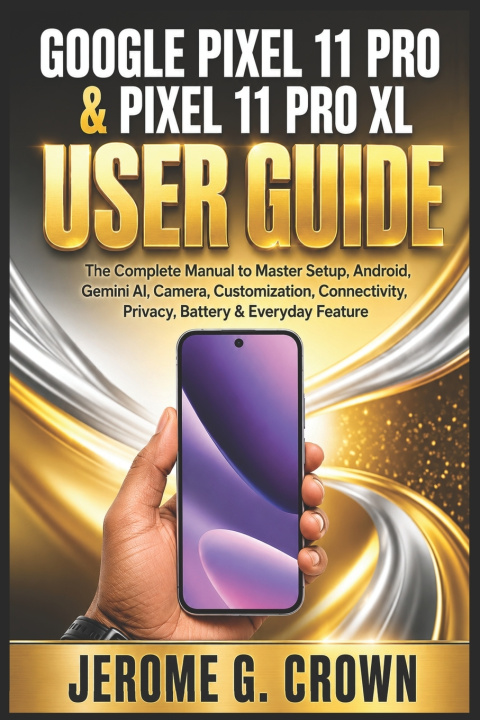
GOOGLE PIXEL 11 PRO & PIXEL 11 PRO XL USER GUIDE
The Complete Manual to Master Setup, Android, Gemini AI, Camera, Customization, Connectivity, Privacy, Battery & Everyday Feature
 Engels
 48 b
48 b
 Wordt verwacht
 Nieuw
Nieuw
Tot 30 dagen retourrecht

Getting a new smartphone is exciting, but knowing where to begin can sometimes feel overwhelming. The Google Pixel 11 Pro and Pixel 11 Pro XL User Guide is designed to provide clear, practical instructions for users who want to become comfortable with their device and understand the features they use every day.
Whether you are new to the Pixel experience, upgrading from another smartphone, or simply want a more organized reference guide, this book takes you through essential tasks in a straightforward, easy-to-follow way.
From the first time you power on your phone to customizing it for everyday use, the guide focuses on practical instructions rather than unnecessary technical language. It covers the common steps involved in preparing your device, connecting your mobile service, signing in with a Google Account, transferring supported information, and establishing essential security settings.
Inside this guide, you will learn about:
- Setting up your Pixel 11 Pro or Pixel 11 Pro XL, including charging, initial configuration, Google Account access, SIM or eSIM setup, and transferring information from another device
- Personalizing your phone with wallpapers, widgets, apps, notifications, display preferences, and other customization options
- Staying connected through contacts, messages, NFC, Bluetooth, and other everyday communication tools
- Using the camera for photos and videos, with practical guidance for camera controls, shooting techniques, editing, and different photography situations
- Managing battery use, privacy, security, and important device settings
- Understanding supported AI capabilities and how they can assist with everyday tasks and productivity
- Working with Google services and keeping your device updated as software improvements become available
- Working through common Pixel problems and practical troubleshooting steps
The camera section goes beyond simply opening the camera and pressing the shutter. It introduces useful approaches to photography and video, including composition, available camera controls, shooting modes, editing, and techniques for different lighting conditions.
Security and privacy are also treated as important parts of everyday smartphone ownership. You will find guidance on screen locks, account protection, permissions, privacy settings, updates, and habits that can help you manage your personal information responsibly.
Written as a practical reference, this guide is intended to help you move from simply owning a Pixel device to using it with greater confidence and familiarity. Make your Pixel experience easier to understand, personalize, and manage.
Scroll up and grab your copy today.


Informatie over het boek
Engels

Geef dit boek vandaag nog cadeau
Dat gaat heel eenvoudig
1 Voeg het boek toe aan je winkelwagentje en selecteer Als cadeau bezorgen 2 Je krijgt van ons per omgaand een voucher 3 Het boek wordt bezorgd op het adres van de ontvangerHoi! Ik ben Libroamiko, je boekadviseur.
Hoe kan ik je helpen?