
 Contact
 Hoe winkelen bij ons werkt
Bezorging
Winkelgids
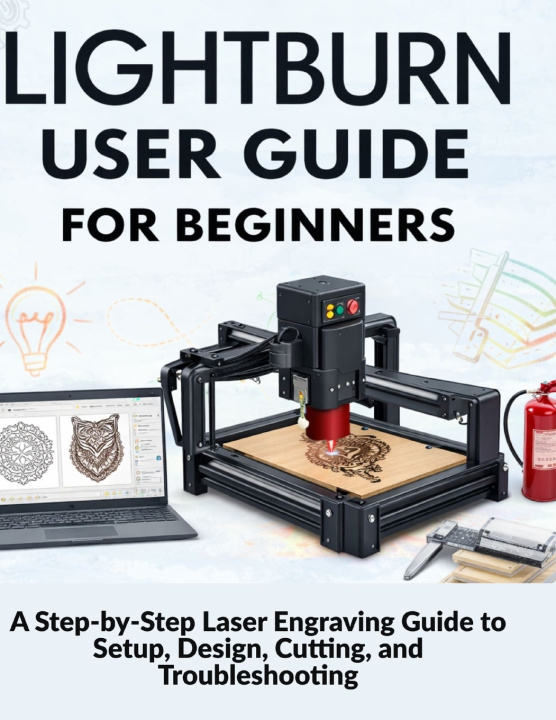
Lightburn User Guide for Beginners
A Step-by-Step Laser Engraving Guide to Setup, Design, Cutting, and Troubleshooting
 Engels
 60 b
60 b
Tot 30 dagen retourrecht

When your laser arrives, the excitement is real. So is the confusion.
LightBurn looks powerful, but most beginner guides only show buttons and menus. They skip the workflow, assume prior knowledge, and leave you guessing the moment something goes wrong. One bad connection, a failed cut, or an engraving that doesn't match the preview can quickly turn excitement into frustration.
LightBurn User Guide for Beginners was written to change that.
If you want clean engravings, accurate cuts, and predictable results, you need more than feature lists. You need a clear, beginner-first system that shows you how LightBurn actually works in real-world use.
This book doesn't teach LightBurn like software.
It teaches it like experienced operators use it.
You'll follow a simple, proven workflow:
Setup → Design → Preview → Run → Improve → Troubleshoot
That means fewer mistakes, less wasted material, and faster confidence.
By the end of this guide, you will be able to:
- Set up LightBurn correctly and avoid common connection failures
- Create designs that engrave and cut exactly as intended
- Understand layers, speed, power, and cut order without guesswork
- Place jobs accurately and stop engraving in the wrong spot
- Fix common problems and GRBL errors in plain language
- Troubleshoot calmly instead of relying on trial and error
The real benefit is this: you stop guessing and start working with confidence.
What's InsideInside, you'll find:
- A clear explanation of how LightBurn controls engraving and cutting
- Practical device setup guidance for reliable connections
- Beginner-friendly design workflows that produce clean results
- Real-world troubleshooting for quality, design, and software issues
- A focused FAQ section answering the questions beginners ask most
Most LightBurn problems aren't software problems at all.
They're workflow, setup, or preparation issues-and once you know how to spot them, everything gets easier.
If you're ready to stop wasting material and start producing clean, confident results with LightBurn, this guide is for you.
Get LightBurn User Guide for Beginners today and take control of your laser workflow from your very first project.


Informatie over het boek
Engels

Geef dit boek vandaag nog cadeau
Dat gaat heel eenvoudig
1 Voeg het boek toe aan je winkelwagentje en selecteer Als cadeau bezorgen 2 Je krijgt van ons per omgaand een voucher 3 Het boek wordt bezorgd op het adres van de ontvangerHoi! Ik ben Libroamiko, je boekadviseur.
Hoe kan ik je helpen?