
 Contact
 Hoe winkelen bij ons werkt

Bezorging
Winkelgids
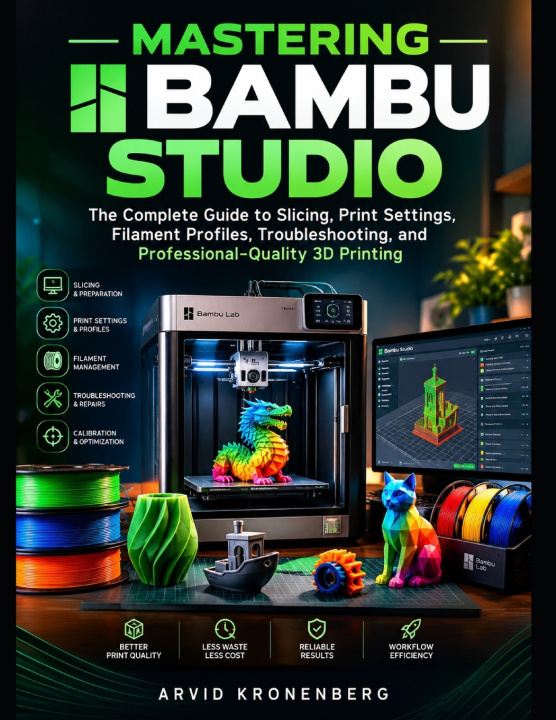
MASTERING BAMBU STUDIO
The Complete Guide to Slicing, Print Settings, Filament Profiles, Troubleshooting, and Professional-Quality 3D Printing
 Engels
 56 b
 Wordt verwacht
 Nieuw
Tot 30 dagen retourrecht

Stop Guessing Your Print Settings. Start Creating Better 3D Prints with Confidence!
Getting excellent 3D printing results takes more than owning a good printer. It requires understanding how to prepare models, configure slicing settings, manage filaments, and optimize every stage of the printing process.
That's where Bambu Studio comes in.
Whether you're a beginner taking your first steps into 3D printing or an experienced user looking to improve print quality, this guide will help you understand the software, make smarter decisions, and build more reliable printing workflows.
Mastering Bambu Studio takes you beyond basic software instructions. You'll discover how important settings work, when to use them, how they affect your prints, and how to solve common problems without relying on guesswork.
What You'll Learn Inside:Master the Interface: Navigate Bambu Studio, configure printers, and organize your projects.
Prepare 3D Models: Import, position, scale, arrange, and inspect models before printing.
Understand Slicing: Work with layer heights, walls, infill, toolpaths, and G-code previews.
Optimize Print Settings: Balance strength, speed, precision, and surface quality.
Manage Filament Profiles: Configure materials such as PLA, PETG, ABS, ASA, and TPU.
Create Better Supports: Use tree supports, support interfaces, brims, and other adhesion tools.
Explore Multi-Color Printing: Assign filaments, paint model regions, and manage material changes.
Improve Print Accuracy: Understand calibration procedures for temperature, flow ratio, and pressure advance.
Troubleshoot Printing Problems: Diagnose warping, stringing, poor adhesion, layer shifts, and extrusion issues.
Build Efficient Workflows: Create reusable presets, reduce material waste, and manage complex projects.
Ever wondered why a print failed, which setting needs adjustment, or how to achieve better results without wasting filament?
This book helps you approach those challenges systematically. Through practical explanations, examples, and guided projects, you'll learn to identify problems, understand their causes, and make informed adjustments that improve consistency and reliability.
Who Is This Book For?This guide is ideal for:
Beginners learning Bambu Studio and 3D printing.
Bambu Lab printer owners who want to get more from their machines.
3D printing enthusiasts seeking better quality and fewer failed prints.
Makers, designers, and hobbyists interested in stronger, more accurate models.
No advanced slicing experience is required. The concepts are introduced progressively, taking you from essential operations to more advanced techniques.
Learn the software. Understand the settings. Improve every print.
Get your copy of Mastering Bambu Studio and take the next step toward more confident, consistent, and professional-quality 3D printing!


Informatie over het boek
Engels

Geef dit boek vandaag nog cadeau
Dat gaat heel eenvoudig
1 Voeg het boek toe aan je winkelwagentje en selecteer Als cadeau bezorgen 2 Je krijgt van ons per omgaand een voucher 3 Het boek wordt bezorgd op het adres van de ontvangerHoi! Ik ben Libroamiko, je boekadviseur.
Hoe kan ik je helpen?